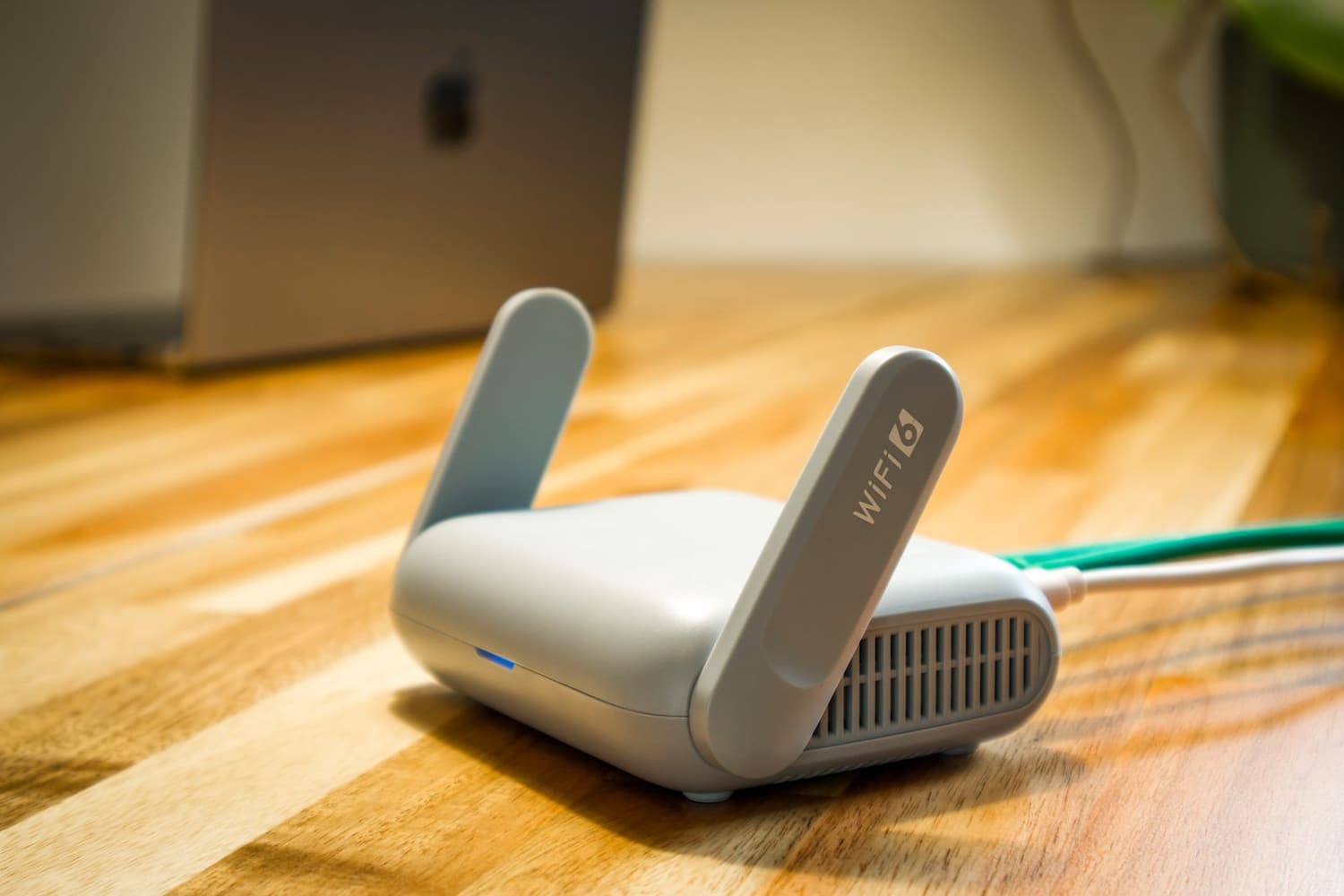
Lehi, Utah
Home WiFi & Networking in Lehi, Utah
Whole-home WiFi and mesh in Lehi, UT that kills dead zones for 4K, WFH and gaming. Owner-installed by Cameron. Serving Traverse Mountain, Holbrook Farms & more.
I'm Cameron, and I run Cam's Custom AV out of Lehi. When someone calls me, it's usually because their router is drowning. A three-story house off Traverse Mountain with a router jammed in a closet under the stairs is not going to cover the whole place, and no amount of rebooting fixes that.
I do whole-home WiFi and wired networking. That means mesh nodes or hardwired access points placed where they actually make sense, so your Zoom call in the basement office doesn't freeze while a kid streams 4K upstairs and somebody's on Warzone in the bonus room.
I show up, I do the work myself, and I don't hand you off to a call center. You get my cell number, not a ticket number.
Why it matters in Lehi
Lehi is basically the bedroom of Silicon Slopes. Half the neighborhood works from home for a company off Thanksgiving Point or Traverse Ridge, and a dropped VPN connection during a standup is a real problem, not an annoyance. The new builds out here don't help either — big open floor plans, lots of square footage, and builders who ran one coax drop and called it good. A single ISP router in a 3,500+ sq ft home in Holbrook Farms or Spring Creek was never going to reach the far bedrooms.
On top of that, everyone's on the same handful of ISPs and the neighborhoods are dense, so the 2.4GHz band gets crowded and your speed test looks nothing like what you're paying for. I fix that by putting hardware where it belongs, on the right channels and bands, wired back to your modem when I can pull cable — not just stacking more routers and hoping.
If you're in one of the newer Traverse Mountain builds where the router lives in a mechanical closet on one end of the house, that's the exact layout that leaves the far bedrooms dead — and it's a same-day fix.
What's included
Home WiFi & Networking in Lehi, done right
- A walkthrough of your actual house — I check where the dead zones are with a real signal meter, not guesswork, before I quote anything
- Mesh or hardwired access points sized to your square footage, so a 4,000 sq ft home gets enough nodes to actually cover it (usually 3 to 4, not one)
- Wired backhaul when it's possible — running Cat6 to the access points beats wireless-only mesh every time for WFH and gaming latency
- Clean channel and band setup so you're not fighting every neighbor on the same crowded 2.4GHz channel
- A dedicated hardwired drop for your work desk or gaming rig when you want rock-solid low ping, not just WiFi
- Setup for the new-construction stuff builders leave half-done — patching that lonely coax-only wiring and getting a real network to the whole house
Good to know
Home WiFi & Networking in Lehi — questions
Local answers. Anything else, just text me.
Will mesh WiFi actually cover my Traverse Mountain house, or do I need to run cables?
For most homes under about 3,000 sq ft, a good 3-node mesh covers it fine. But in the bigger multi-level Traverse Mountain builds — especially with the mechanical/router closet stuck on one end — I strongly push for wired backhaul. I pull Cat6 to each access point so the nodes talk to your modem over cable instead of burning half their speed relaying wirelessly. That's the difference between 'it works' and it working under a full house load.
I work from home and my VPN keeps dropping. Can you fix that specifically?
Yes, and it's my most common call in Lehi. Nine times out of ten it's the ISP router overloaded and roaming issues as you move between the router and a range extender. I set up proper access points with fast handoff so your laptop doesn't drop the connection walking from the kitchen to the office, and if your desk is in a fixed spot I'll run a hardwired drop straight to it — a wired connection basically never drops a VPN.
How long does an install take and do you tear up my walls?
A mesh-only setup is usually done in 2 to 3 hours. A wired install with a few access points is typically a half to full day depending on the run. I fish cable through existing walls and attic space wherever I can, so in most Lehi homes there's no drywall cutting at all — and if a spot does need a patch, I tell you before I touch anything.
Also in Lehi
More of what I do around Lehi
Free quote · No pressure
Ready for home wifi & networking in Lehi?
Tell me what you're picturing — a TV over the fireplace, a theater in the basement, cameras, a network that finally reaches the whole house. I'll get you a straight quote, usually within the hour.
Licensed & insured No hidden fees You talk to Cameron, not a call center